01
Batch chat backup
Export multiple personal chats and groups together, including supported photos, videos, voice messages, stickers and documents.
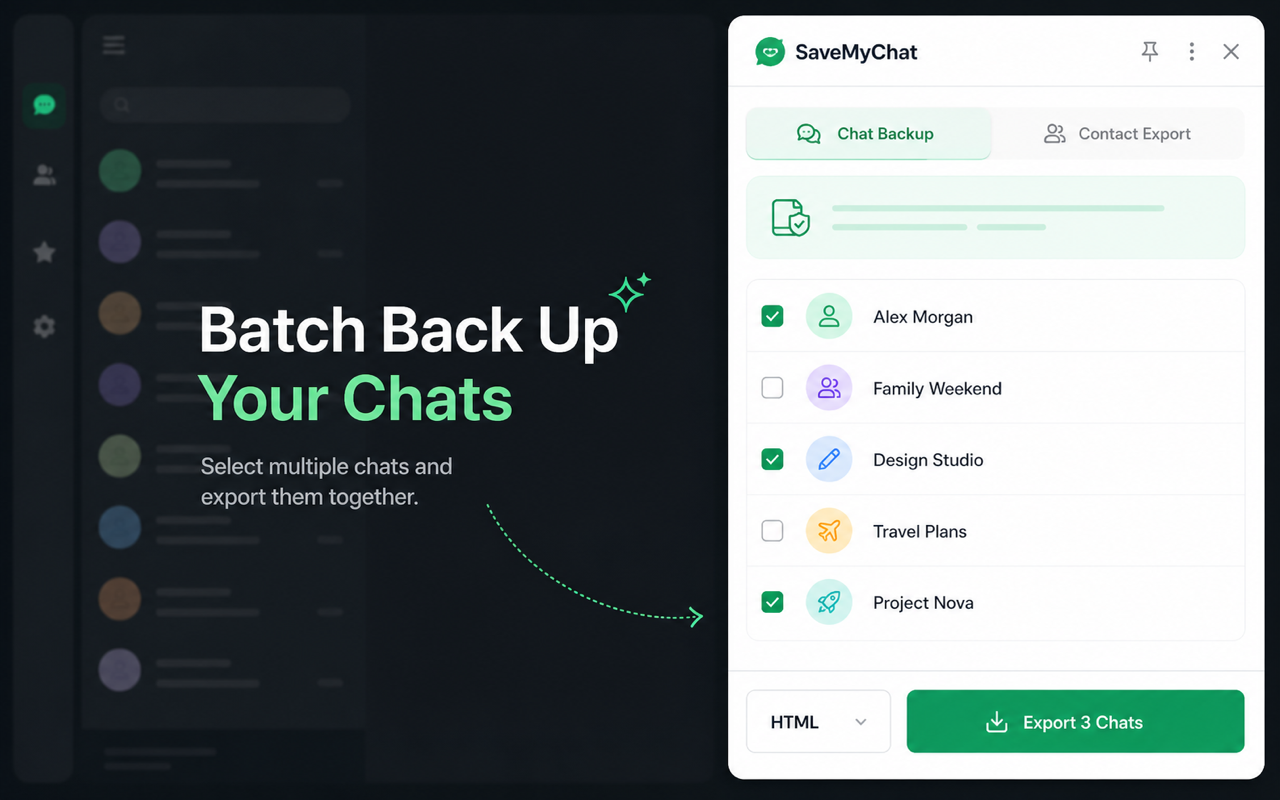
Batch export conversations, media and group members directly to your computer. Keep searchable, organized copies in the format you need.
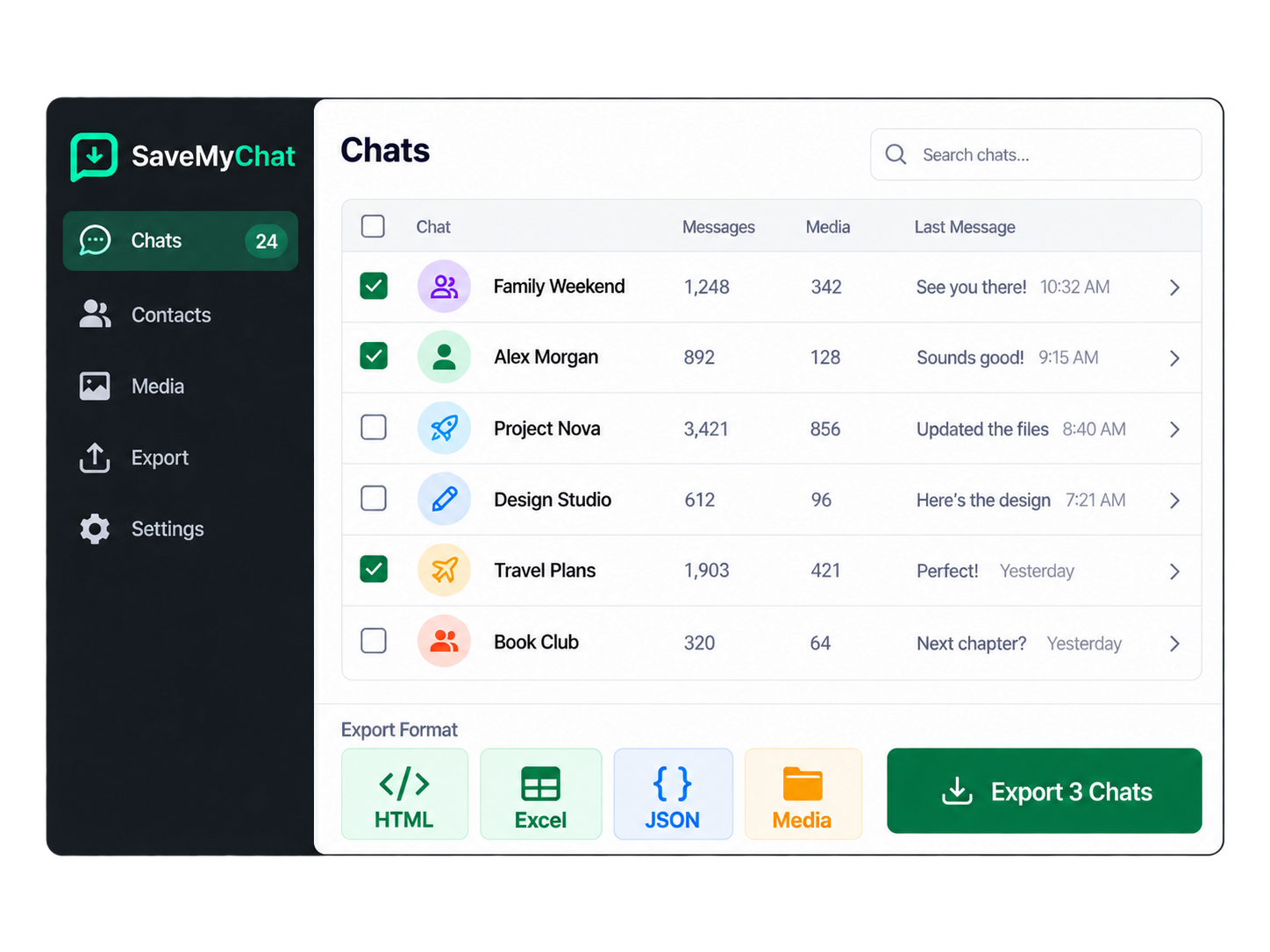
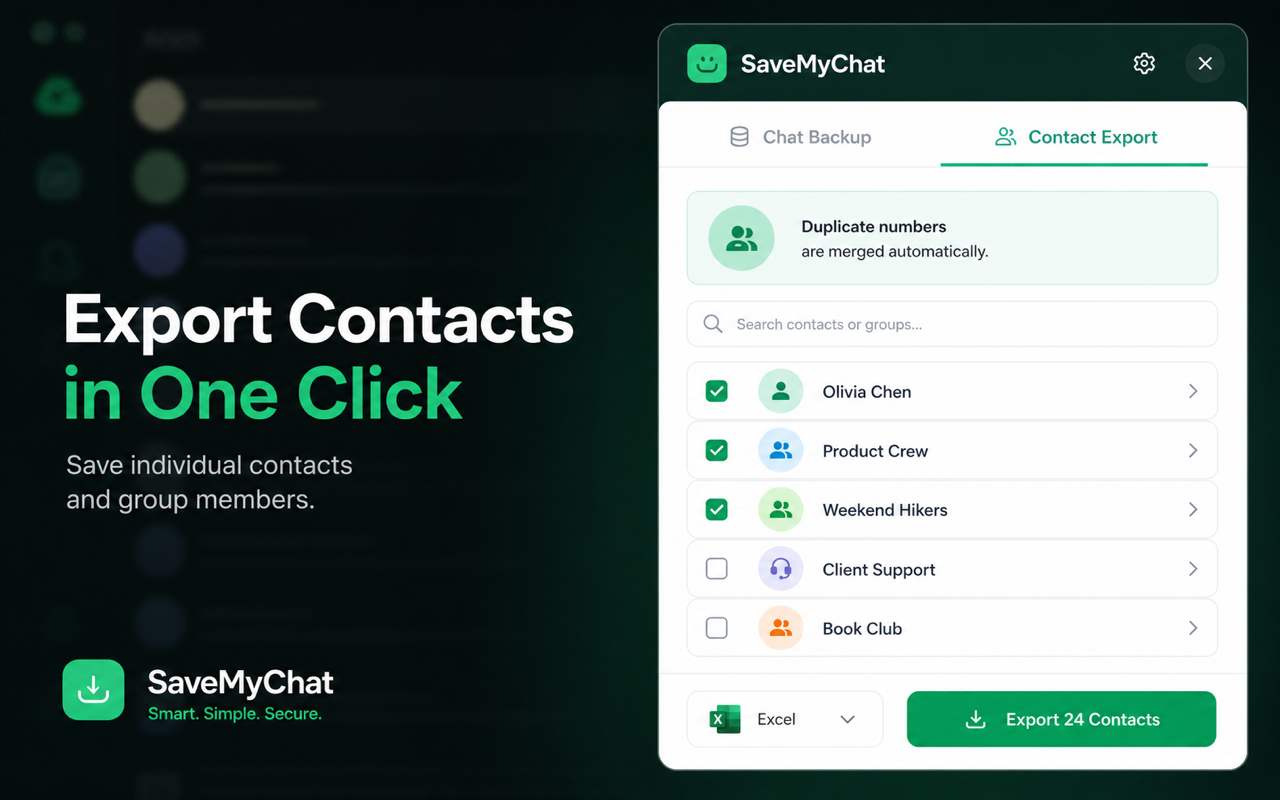
Choose chat backup or contact export from the same extension. Select multiple conversations or groups and export everything in one pass.
Export multiple personal chats and groups together, including supported photos, videos, voice messages, stickers and documents.
Save available names, phone numbers, source conversations and group roles. Duplicate phone numbers are merged automatically.
Read chats offline, search message history in Excel, process structured data, or move contacts into your address book.
Browser-friendly chat history with supported media previews.
Search, filter and analyze messages or contact records.
Structured data for development and further processing.
Portable contact and group-member lists.
Import contacts into compatible address books.
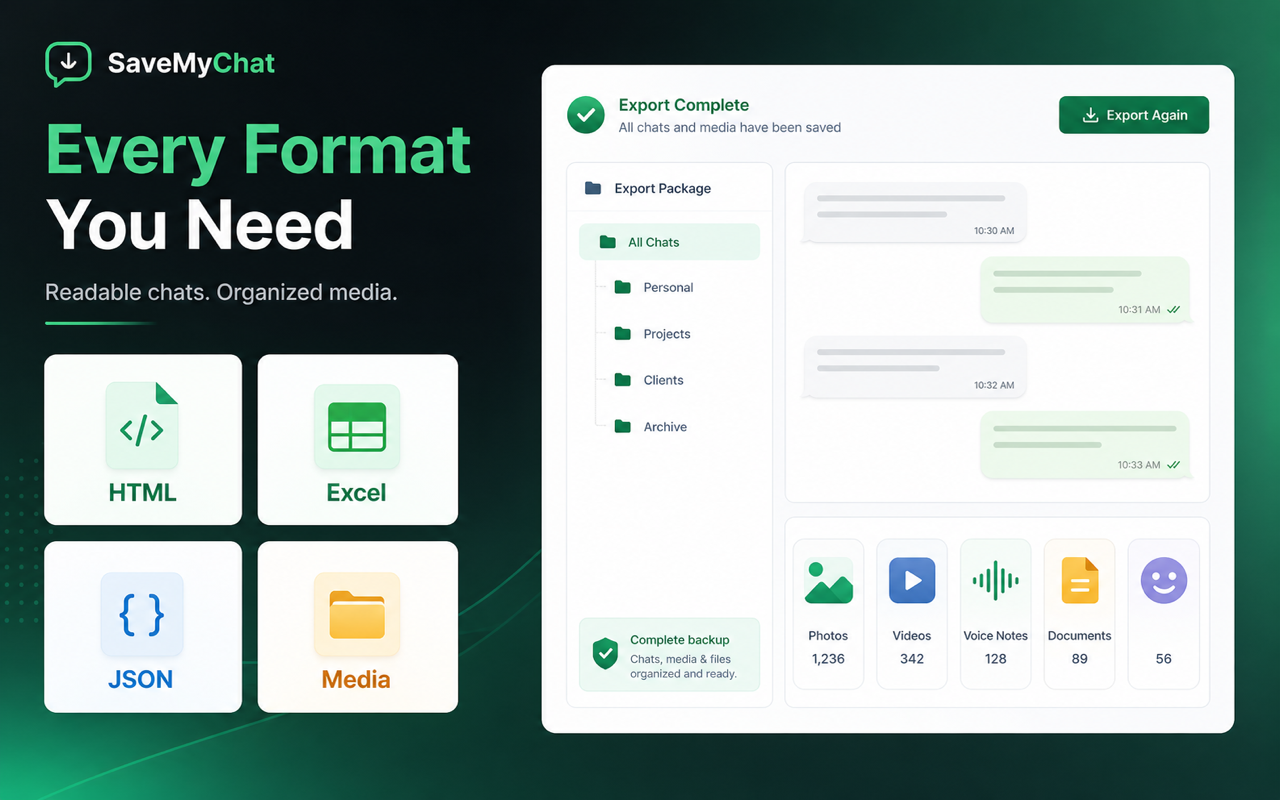
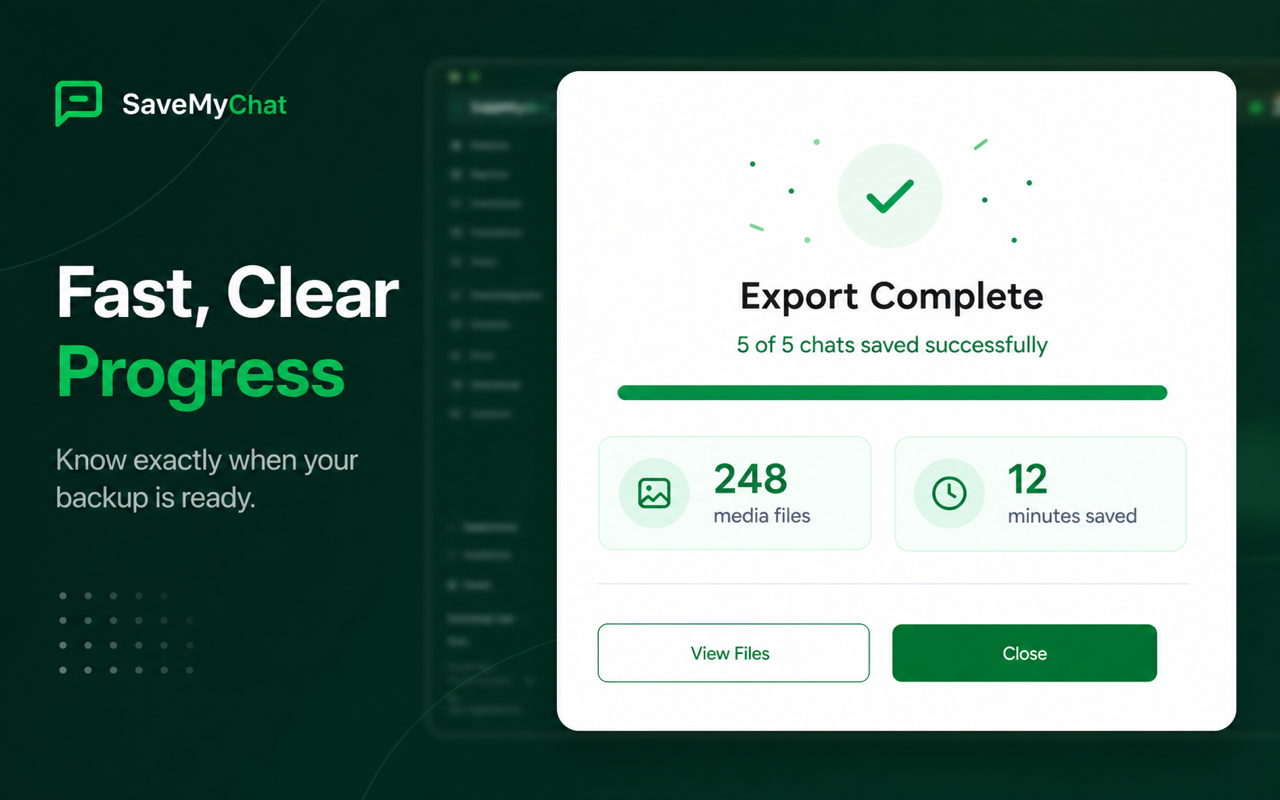
Follow each conversation from processing to completion with a clear, real-time export view.
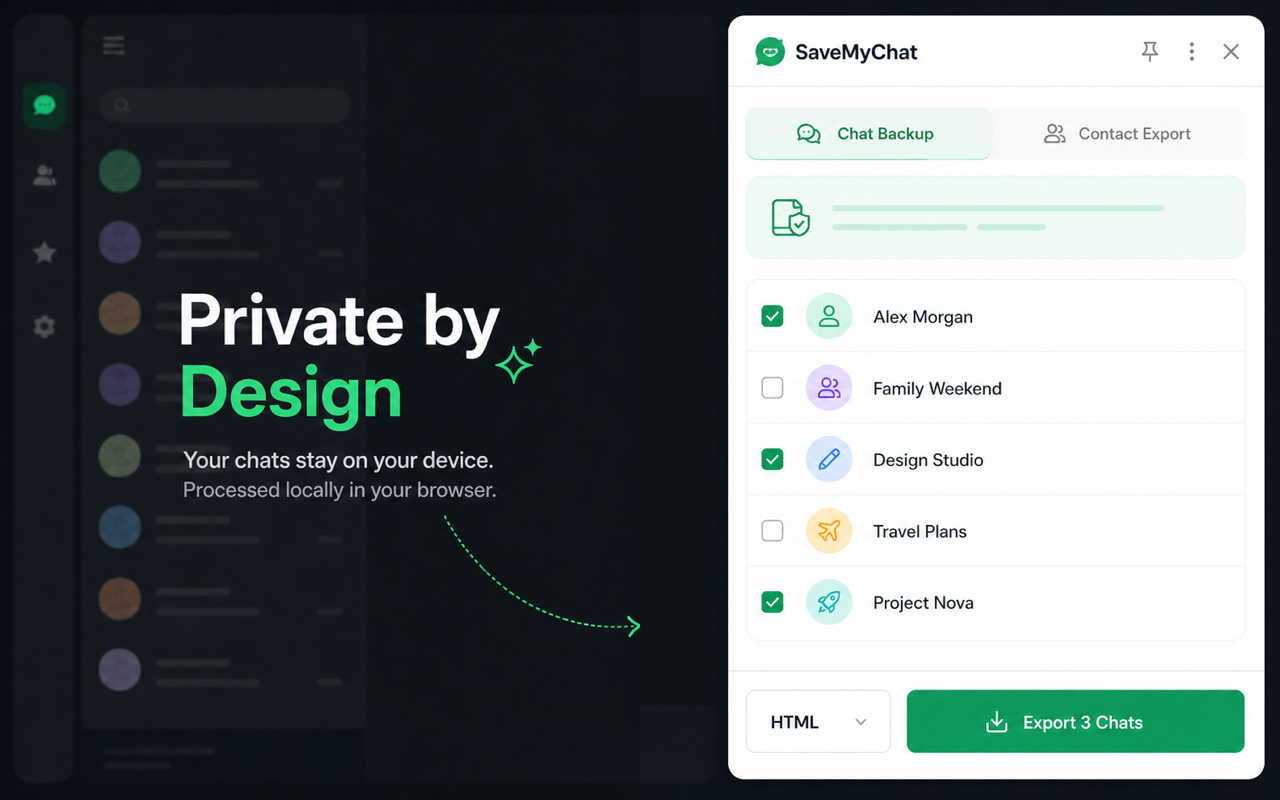
Chat content, contacts and exported files are processed locally in your browser and saved directly to your computer.
Sign in to the account containing the data you need.
Select Chat Backup or Contact Export.
Pick one or many sources and choose a format.
Start the export and download the generated file.
Product updates
Fixed sender identification in chat exports, including group members and your own messages, and prioritized saved contact names.
Improved review reminders across chat and contact exports.
Updated sponsorship links to the SaveMyChat Patreon page, making it easier to support ongoing improvements.
INDEPENDENTLY BUILT · COMMUNITY SUPPORTED
Saved a conversation that matters? Made a backup in minutes? Buy the independent developer a coffee to help fix bugs, keep up with WhatsApp changes and build new features.
Support is completely optional. All features remain free, whether you contribute or not.
Continue to Patreon to review the price and complete your payment.
Questions about supporting? Email us